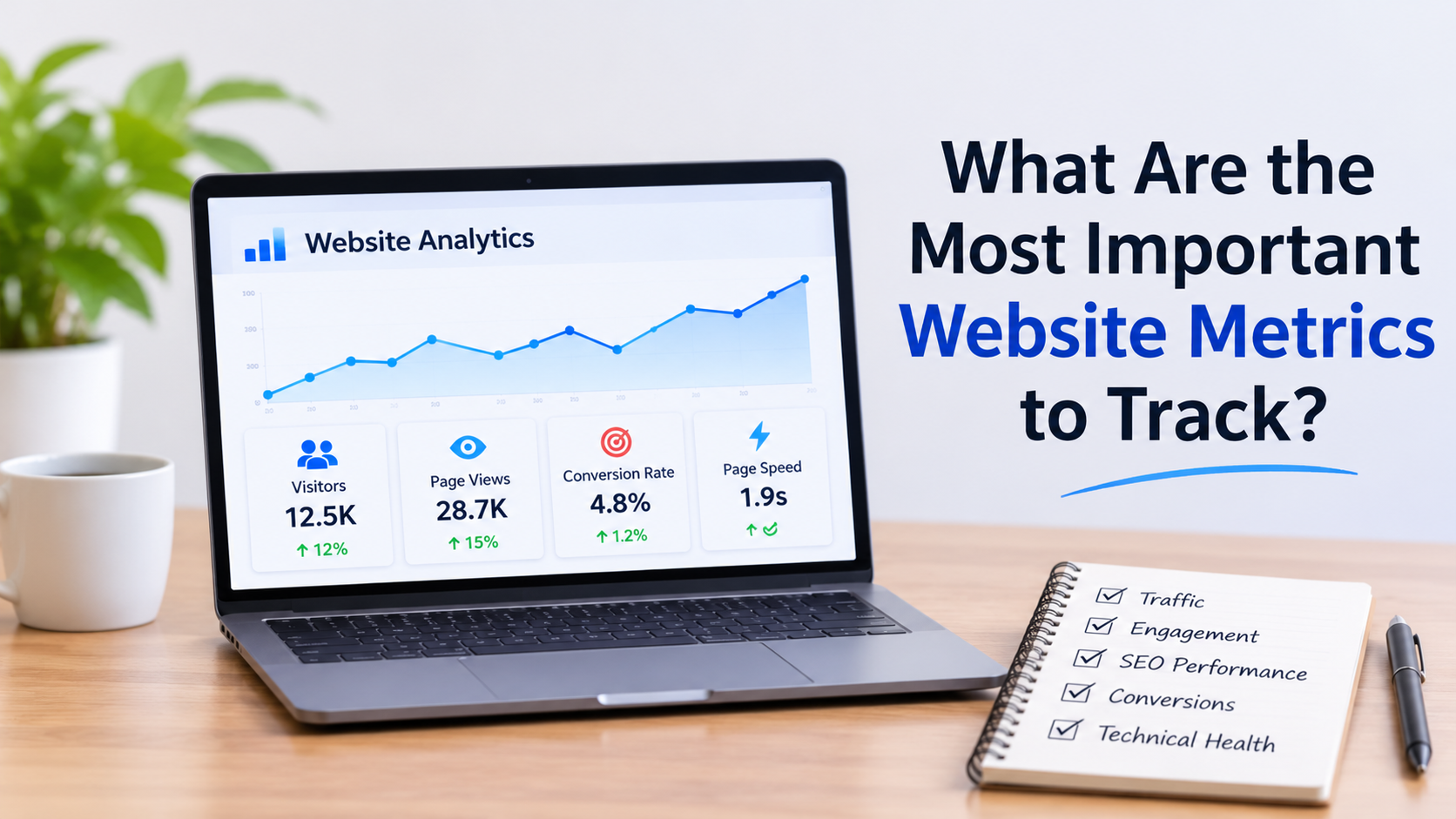
Learn the most important website metrics to track, including traffic, SEO performance, engagement, conversions, and technical health. Discover how web page analytics and website audit tools help improve your website.
A website can attract thousands of visitors and still fail to generate leads, sales, or meaningful engagement. That is why measuring website performance requires more than checking how many people visit your pages. You need to understand where visitors come from, what they do on your website, whether they complete important actions, and how easily they can use your pages.
The most important website metrics to track are website traffic, engagement, SEO performance, conversion rate, and technical performance. Together, these metrics help you identify what is working and what needs improvement.
For example, if organic traffic is increasing but leads are decreasing, the problem may not be your SEO. Your landing page, offer, or conversion process could be preventing visitors from taking action.
Using web page analytics alongside regular technical checks helps you understand both the performance of your website and the experience it provides to visitors.
What Are Website Metrics and Why Are They Important?
Website metrics are measurable values that show how people discover, use, and interact with a website. These numbers help website owners evaluate performance and make decisions based on actual user behavior rather than assumptions.
Common website metrics include:
- Total visitors and sessions
- Traffic sources
- Engagement rate
- Search impressions and clicks
- Conversion rate
- Page loading performance
- Revenue or leads generated
Website metrics are important because they reveal whether your website is achieving its purpose. A business website may focus on generating inquiries, while an online store may prioritize purchases and revenue. A blog may measure organic traffic, engaged reading sessions, and newsletter sign-ups.
There is no single metric that defines success for every website. The right metrics depend on your business goals.
How Website Metrics Help Measure Performance
Website metrics help you compare performance over time and identify changes that deserve attention.
Suppose your website receives 10,000 sessions in one month and 12,000 sessions the next month. Traffic has increased by 20%. However, if your leads fall from 200 to 150 during the same period, your website may be attracting visitors who are less likely to convert.
This is why traffic should be reviewed alongside engagement and conversion data.
A useful measurement process includes:
- Setting a clear goal for each important page
- Tracking the metrics connected to that goal
- Comparing similar periods, such as month over month
- Investigating unusual increases or decreases
- Making improvements and measuring the result
Metrics become valuable when they lead to a decision. Simply collecting reports without acting on them will not improve website performance.
What Are the Most Important Website Traffic Metrics?
Website traffic metrics show how many people visit your website and how they arrive. They are a starting point for understanding your audience, but traffic alone does not tell you whether visitors find your content useful.
1. Users and Website Visitors
Users represent people who interact with your website during a selected reporting period, according to the analytics platform's measurement method.
Tracking users helps you understand the size of your audience and whether it is growing. Review this metric over time instead of judging your website based on a single day.
A sudden increase in visitors may come from a successful content update, a marketing campaign, seasonal demand, or even irrelevant bot activity. Always investigate the source of major changes.
2. Sessions
A session represents a period of activity on your website. In Google Analytics 4 (GA4), a session begins when a user visits your website and no session is already active.
Sessions help measure how frequently people visit and interact with your website. Comparing sessions with users can also provide a broader view of repeat visits.
For example, if your website has 5,000 users and 6,500 sessions, some visitors may have returned for another visit during the reporting period.
3. Traffic Sources and Channels
Traffic sources show where visitors come from. They help you understand which marketing activities are bringing people to your website.
Common traffic channels include:
- Organic Search: Visitors from unpaid search engine results
- Direct: Visits where the traffic source is unavailable or classified as direct
- Referral: Visitors arriving through links on other websites
- Paid Search: Visitors from paid search advertising
- Organic Social: Visitors from unpaid social media activity
- Email: Visitors arriving through tracked email campaigns
Review traffic sources to understand which channels bring valuable visitors. A channel with fewer sessions may still be more useful if it generates more qualified leads or sales.
4. Organic Search Traffic
Organic search traffic measures visits that come from unpaid search engine results.
This is an important metric for SEO because it helps you understand whether your pages are attracting visitors from search engines. However, organic traffic should be evaluated with search impressions, clicks, and conversions.
If organic traffic declines, investigate whether the change is related to:
- Lower search demand
- Lost keyword rankings
- Pages being removed from Google's index
- Technical crawling or indexing issues
- Changes in search result layouts
- Content that no longer satisfies search intent
Do not assume every traffic decline is caused by a Google algorithm update. Check the data before deciding what to fix.
5. Page Views and Landing Pages
Page views count how often pages are viewed. This metric can help identify popular content, but a high number of page views does not automatically mean visitors are satisfied.
Landing pages are the pages through which visitors first enter your website. Reviewing landing page performance helps you understand which pages attract users and whether they encourage further action.
A blog post may attract significant organic traffic but generate few clicks to related content. In that case, improving internal links, content structure, or relevant calls to action may help visitors find the next useful page.
What SEO Metrics Should You Track to Measure Search Performance?
SEO metrics help you evaluate how your website performs in search engines and whether your search visibility is bringing relevant visitors.
For search performance, Google Search Console is one of the most useful sources of data. Its Performance report includes clicks, impressions, click-through rate (CTR), and average position. These metrics can be reviewed by query, page, country, device, and other dimensions.
1. Search Impressions
Impressions show how often your website appeared in Google Search results under Search Console's counting rules.
An increase in impressions may indicate that your pages are appearing for more queries or gaining visibility. However, impressions do not mean that users clicked your website.
If impressions are growing but clicks remain flat, review the queries and pages receiving visibility. Your content may be appearing for less relevant searches, or your search snippets may not be compelling enough.
2. Search Clicks and Click-Through Rate
Clicks measure how often users clicked your website from Google Search results.
Click-through rate is calculated as:
CTR = Clicks ÷ Impressions × 100
For example, if a page receives 500 clicks from 10,000 impressions, its CTR is 5%.
CTR helps you understand how effectively your search result attracts clicks. If a page receives many impressions but a low CTR, review whether the title and description accurately communicate the page's value and match the search intent.
There is no universal CTR that every page should achieve. Results vary by query, position, device, and search result layout.
3. Keyword Rankings and Average Position
Keyword rankings show where a page appears for a particular search query. Search Console reports average position, which is an aggregated metric rather than a fixed ranking for every user.
Position can vary based on location, device, query, and search context. Therefore, do not rely on one manual search to judge your SEO performance.
Track ranking trends alongside impressions and clicks. If impressions increase while average position improves, your content may be gaining visibility. If rankings improve but clicks do not, the search snippet or intent match may need attention.
4. Backlinks and Referring Domains
Backlinks are links from other websites to your pages. Referring domains count the distinct websites linking to you.
These metrics can help you evaluate your website's link profile and discover opportunities for outreach or content promotion. However, the number of backlinks alone does not determine SEO success.
Focus on relevant, legitimate links that make sense for your content and audience. Avoid buying large quantities of low-quality links or using automated link schemes.
5. Indexing and Technical SEO Issues
Search engines need to discover and process your pages before they can appear in search results. Monitor indexing status, crawl issues, sitemap coverage, canonical tags, and important page errors.
Google Search Console's indexing reports can help identify pages that are not indexed and provide reasons where available.
A website audit tool can complement Search Console by checking page-level technical and on-page elements. Use both types of information: Search Console shows data from Google's systems, while an audit can help identify issues on the pages you review.
Which Website Conversion Metrics Matter Most?
Website conversion metrics show whether visitors complete actions that support your business goals. These actions may include purchases, form submissions, phone calls, account registrations, or newsletter sign-ups.
A conversion should be defined according to what matters to your website. Tracking every button click as a conversion can make your reports misleading.
1. Conversion Rate
Conversion rate measures the percentage of visitors or sessions that complete a desired action, depending on how the metric is configured.
A simple session-based formula is:
Conversion rate = Sessions with a conversion ÷ Total sessions × 100
For example, if 100 out of 2,000 sessions result in a lead, the session conversion rate is 5%.
Use a consistent definition when comparing conversion rates. A user-based conversion rate and a session-based conversion rate are not the same measurement.
2. Leads and Form Submissions
For service businesses, lead generation is often more important than raw traffic. Track completed inquiry forms, demo requests, quote requests, and other meaningful lead actions.
Also review the quality of those leads. A website may generate many form submissions, but if most inquiries are irrelevant, the conversion process may need better qualification.
3. Sales and Revenue
For e-commerce websites, monitor purchases, revenue, average order value, and purchase conversion rate.
These metrics help you understand whether website traffic is contributing to business results. If traffic increases but revenue does not, investigate product pages, pricing, checkout usability, shipping costs, and traffic quality.
4. Cost Per Conversion
If you run paid campaigns, cost per conversion helps measure how much you spend to generate a desired action.
A simple calculation is:
Cost per conversion = Campaign cost ÷ Number of conversions
Compare this metric across campaigns and channels, but make sure conversions are tracked consistently and attributed using the same reporting method.
What Technical Website Metrics Should You Track?
Technical performance affects how easily visitors can load, navigate, and interact with your website. It also helps search engines access and understand your pages.
Important technical metrics include:
- Largest Contentful Paint (LCP): Measures loading performance. A good target is 2.5 seconds or less.
- Interaction to Next Paint (INP): Measures responsiveness. A good target is 200 milliseconds or less.
- Cumulative Layout Shift (CLS): Measures visual stability. A good target is 0.1 or less.
- Mobile usability: Check whether important content and controls work properly on mobile devices.
- Uptime: Monitor whether your website remains accessible to visitors.
- Server response time: Review how quickly your server begins responding to requests.
Google evaluates Core Web Vitals using real-user data where available, and the recommended thresholds are assessed at the 75th percentile. A single lab test can help diagnose performance, but it does not represent every visitor's experience.
How Can You Analyze Website Metrics Online?
You can use different tools to measure different parts of website performance. No single tool provides every metric.
Use Google Analytics 4 for Visitor Behavior
GA4 helps you review users, sessions, traffic acquisition, engagement, and configured key events. Make sure important actions—such as purchases or lead submissions—are properly tracked.
Use Google Search Console for SEO Performance
Search Console provides search impressions, clicks, CTR, average position, and indexing information. Use it to understand how your pages perform in Google Search.
Use a Website Audit Tool for Technical Checks
A website audit can help identify on-page and technical issues that may need attention.
If you want to perform a site analysis online, you can try SiteAnalysisTool.com. Enter a webpage URL to begin an audit. The site currently describes support for single-page, bulk, sitemap, and raw-HTML input, along with audit reports and PDF download options on its plans.
This can be useful when you want to review website elements and identify potential SEO improvements without manually checking every page.
Keep in mind that an audit is not a replacement for analytics. It cannot, by itself, tell you how many visitors your website received, which campaigns generated revenue, or how many users converted. For a complete view, combine audit findings with GA4, Search Console, and your business conversion data.
How Often Should You Track Website Metrics?
The ideal reporting frequency depends on your website's size, activity, and goals.
- Daily: Check major outages, significant traffic drops, and active campaign performance.
- Weekly: Review traffic sources, landing pages, engagement, and important conversion trends.
- Monthly: Compare SEO performance, leads, sales, and overall progress against goals.
- After major updates: Audit important pages after redesigns, migrations, plugin updates, or significant content changes.
Avoid making major decisions based on one unusual day. Compare similar periods and consider seasonality, marketing campaigns, and changes in tracking.
Final Thoughts
The most important website metrics are the ones that help you make better decisions. Traffic tells you whether people are arriving, engagement shows how they interact, SEO metrics reveal search visibility, conversion metrics measure business outcomes, and technical metrics help identify usability and performance problems.
Start with a small set of meaningful metrics instead of trying to monitor every available number. Review them consistently, investigate changes, and make improvements based on evidence.
For a practical technical check, use SiteAnalysisTool.com to review a page and identify potential SEO issues. Combine the audit with analytics and search data to understand not only what may be wrong with your website, but also how those issues relate to real visitor behavior and business results.
Frequently Asked Questions
What are the five most important website metrics?
The five broad metrics to start with are website sessions, organic search clicks, engagement rate, conversion rate, and Core Web Vitals. The exact priorities depend on your website's goals.
What is the best tool for website analytics?
Google Analytics 4 is useful for visitor behavior and conversions, while Google Search Console is useful for Google Search performance. A website audit tool can complement them by checking technical and on-page elements.
Can a website audit tool show website traffic?
A technical audit generally reviews page-level website factors. Traffic data requires an analytics platform or another reliable traffic-data source. Do not treat an audit score as a traffic report.
How do I know if my website is performing well?
Compare your key metrics against your goals and previous performance. Look for steady improvements in relevant traffic, engagement, conversions, and technical experience rather than relying on one overall score.